Creating timelines
If your project comprises image timelines, you will need to guide J-AST through associating which image belongs to which timeline, as well as ensuring the correct order. We highly recommend to first add image metadata prior to the creation timelines.
Unsorted images
If an image is not yet associated to a timeline, it is stored within a dedicated list.
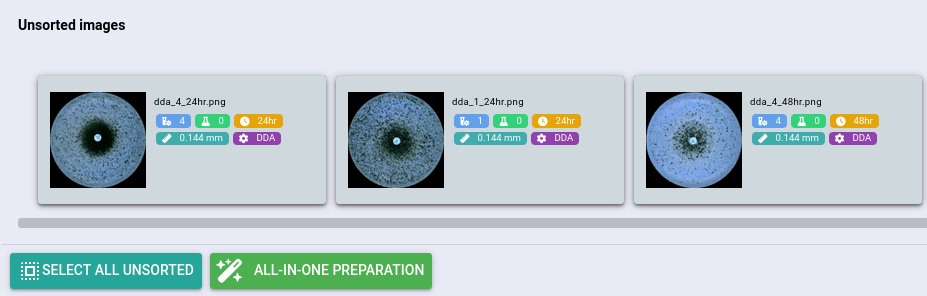
If no unsorted images are available, the interface will automatically disappear.
Automatic timeline sorting
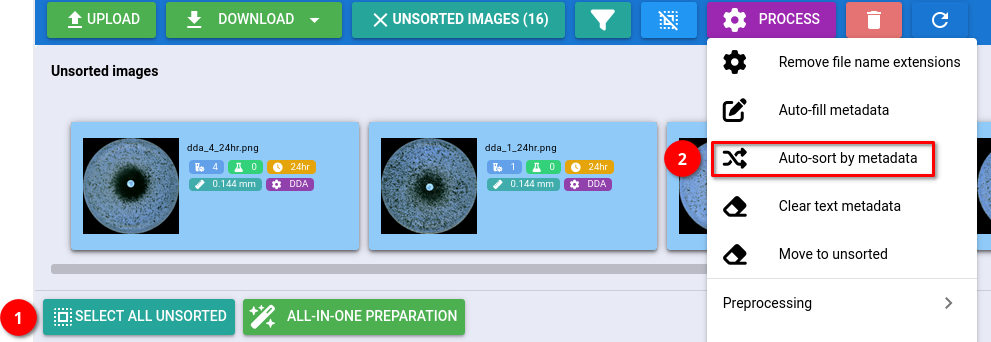
If you provided the required metadata (experiment, sample, assay type, time point), then you can use the automated timeline sorting algorithm. To run this operation, select the unsorted images by clicking , followed by navigating to .
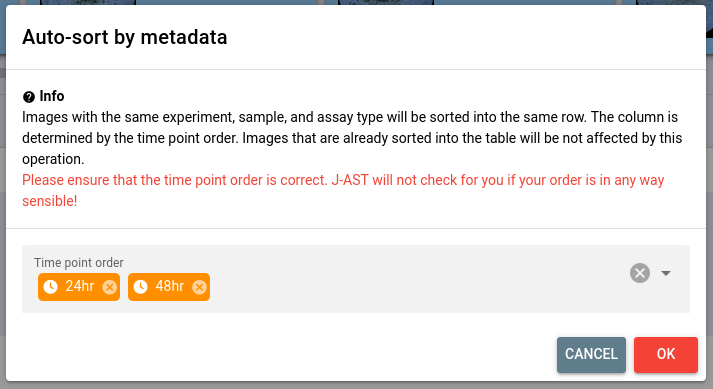
You will be asked to define the time point order, which can be done by clicking the input field and adding the detected time points in the correct order.
After clicking , images will be automatically organized into timelines.
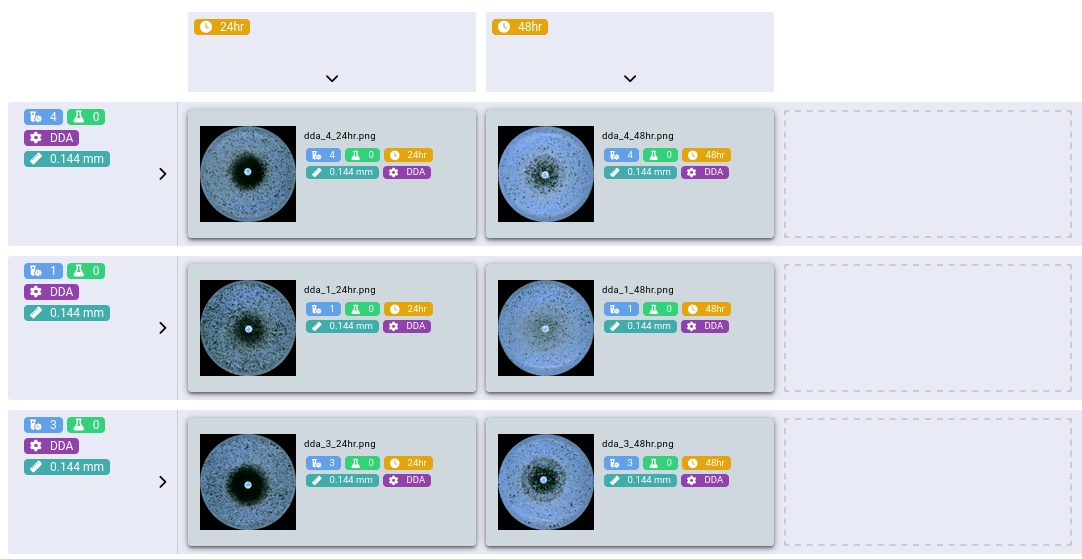
Manual sorting
At any point you manually sort images by moving them between timelines or from/to the unsorted images drawer. Just drag the image around to achieve this.