Desktop application
The J-AST desktop application is a standalone program that runs entirely on your local machine. It bundles a Java 21 runtime and the JIPipe image processing engine, so no additional software needs to be installed.
Supported platforms
Platform | Architecture | Package format |
|---|---|---|
Windows | x64 | ZIP archive or NSIS installer (.exe) |
Linux | x64 | Tarball (.tar.gz) |
macOS | Apple Silicon (arm64) | ZIP archive containing J-AST.app |
Installing on Windows
Download the Windows installer (
.exe) or ZIP archive from the J-AST website.If you downloaded the installer, run it and follow the on-screen instructions. The installer creates Start Menu shortcuts and an optional desktop shortcut. It installs per-user (no administrator privileges required).
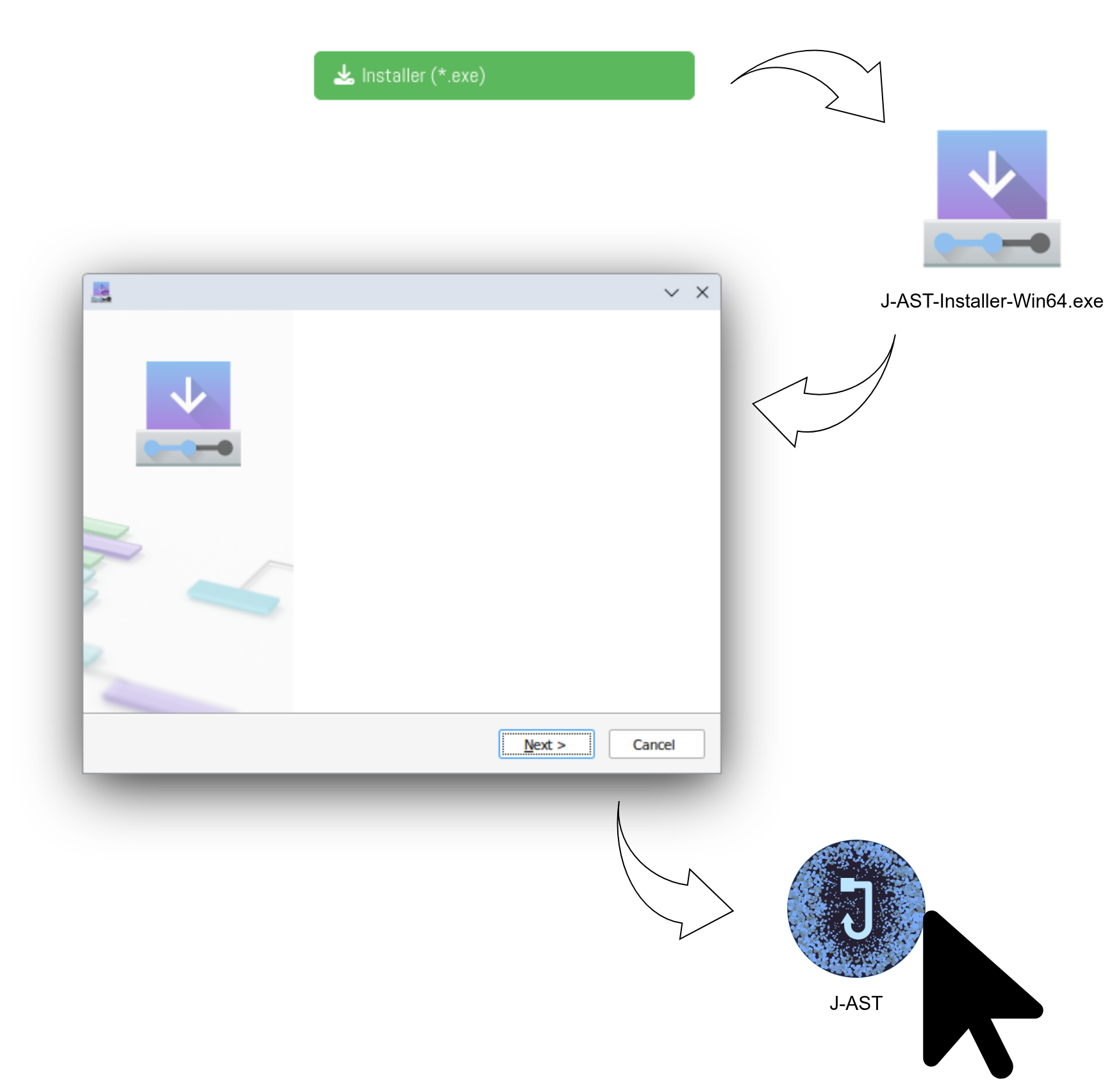
If you downloaded the ZIP archive, extract it to a folder of your choice and launch
J-AST.exe.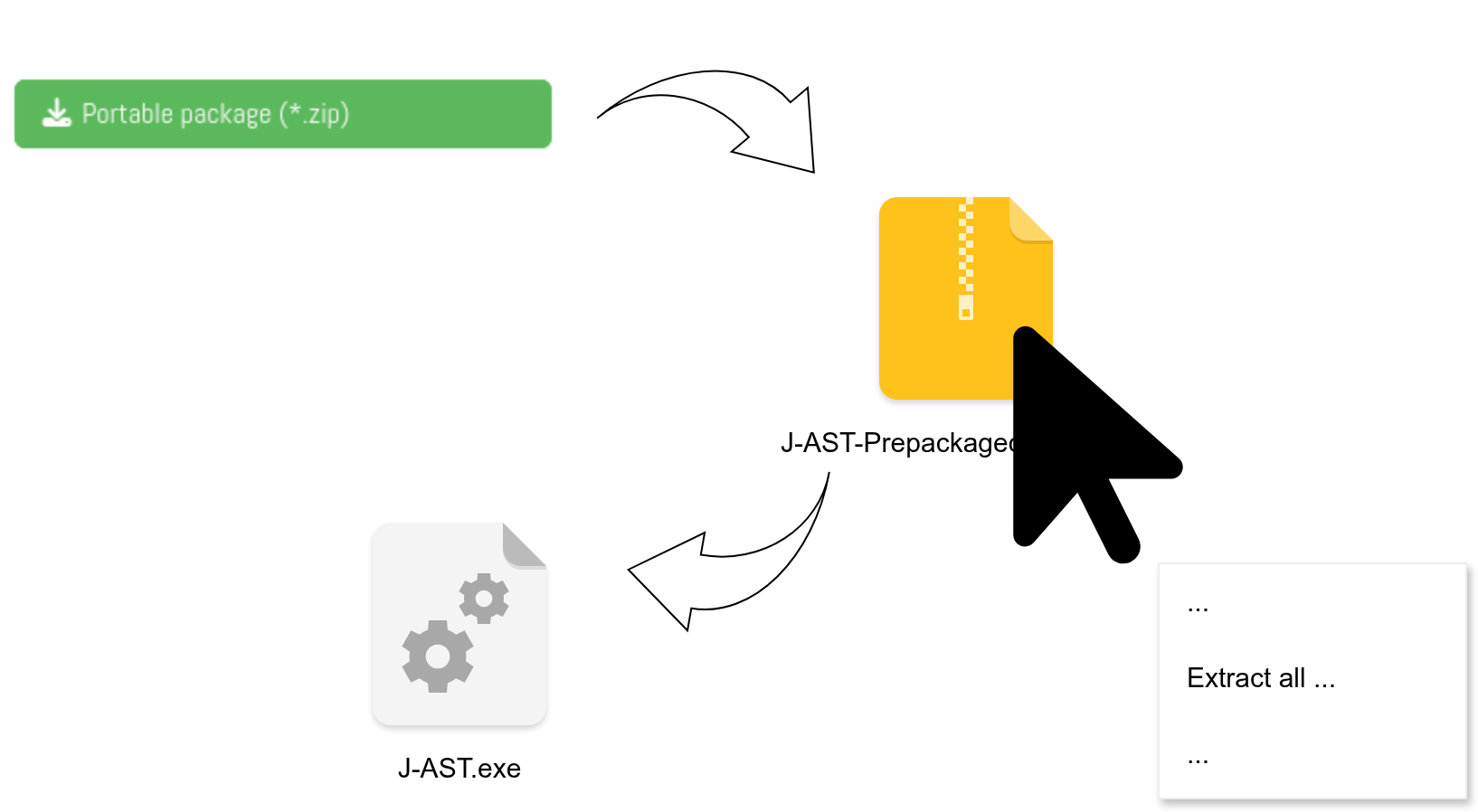
On first launch, J-AST will start its embedded backend. You will see a "Loading J-AST..." indicator until the backend is ready. No login is required.
Installing on Linux
Download the Linux tarball (
.tar.gz) from the J-AST website.Extract the archive to a directory of your choice:
tar -xzf j-ast-*-linux-x64.tar.gz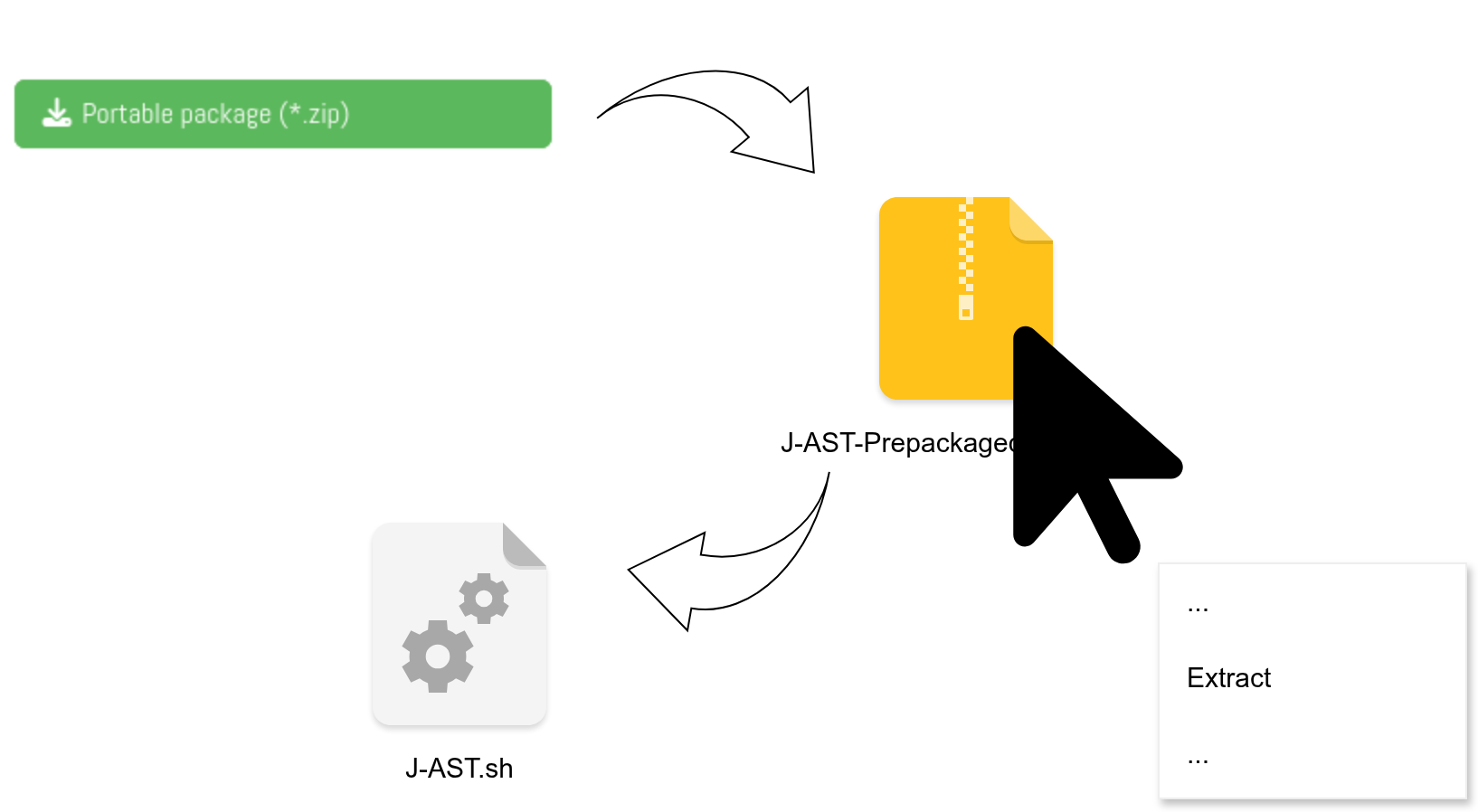
Launch J-AST by running the extracted executable.
./J-ASTOn first launch, J-AST will start its embedded backend. You will see a "Loading J-AST..." indicator until the backend is ready. No login is required.
Installing on macOS
Download the macOS ZIP archive from the J-AST website.
Extract the archive. This will produce a
J-AST.appbundle.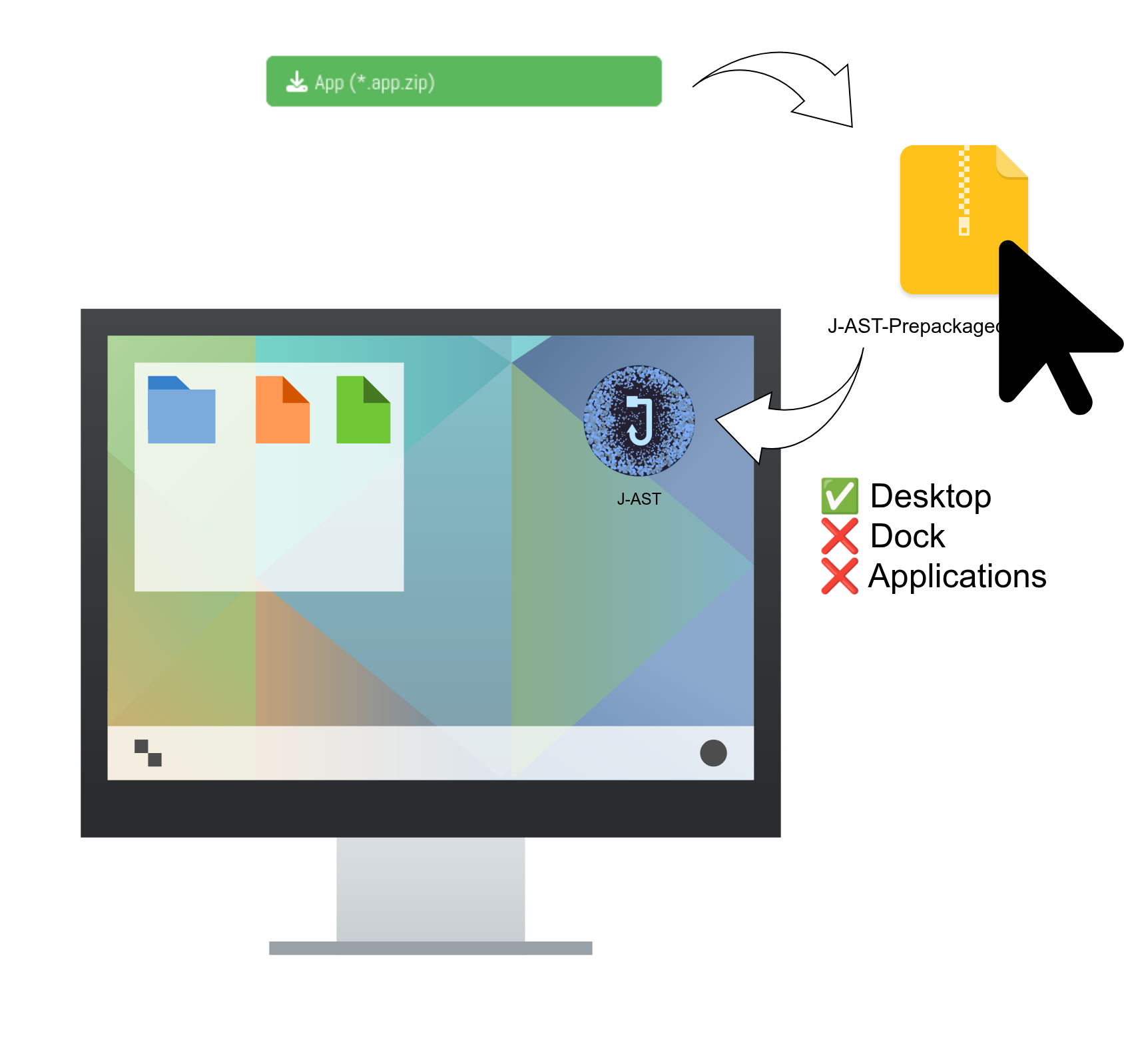
Drag
J-AST.appto your Applications folder.Launch J-AST from Applications or Spotlight.
On first launch, J-AST will start its embedded backend. You will see a "Loading J-AST..." indicator until the backend is ready. No login is required.
Where your data is stored
The desktop application stores all data — including the H2 database, uploaded images, and temporary processing files — within the application directory under a storage/ subfolder.
Updating J-AST
To update J-AST, download the latest version from the website and replace the old installation. Your data in the storage/ directory will be preserved if you keep it in the same location.