Creating projects
J-AST supports multiple projects per account and thus greets you with an overview of all your existing projects.
To create a new project, click the button within the project list.
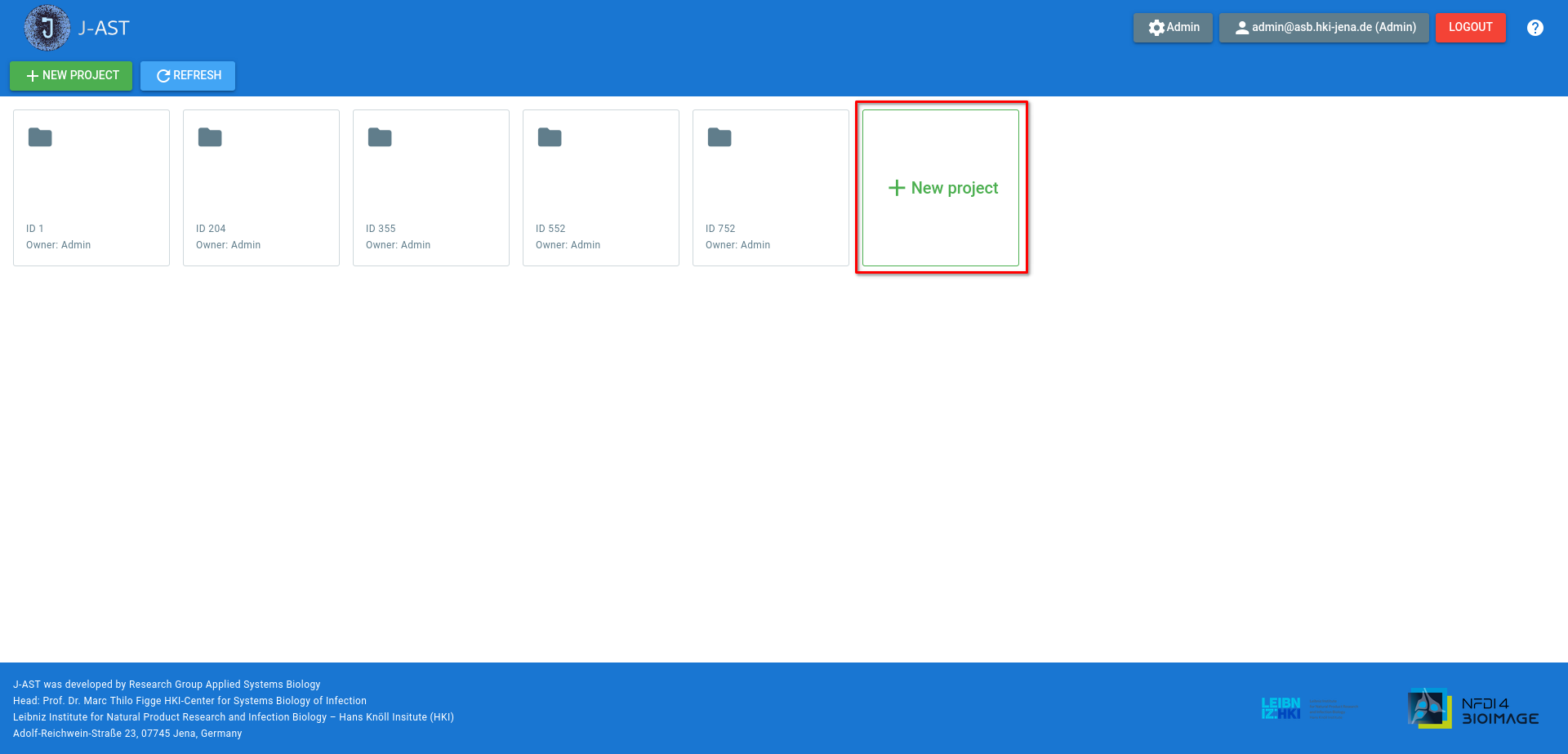
After clicking the button, a dialog will appear where you can change the properties of the newly created project.
- Name
The name of the project
- Project type
Whether the project is a timeline or consists of many independent images.
- Upload project ZIP file
If you want to import an existing project into J-AST, provide the ZIP file using the uploader. If you just want to create a new project, ignore this field.
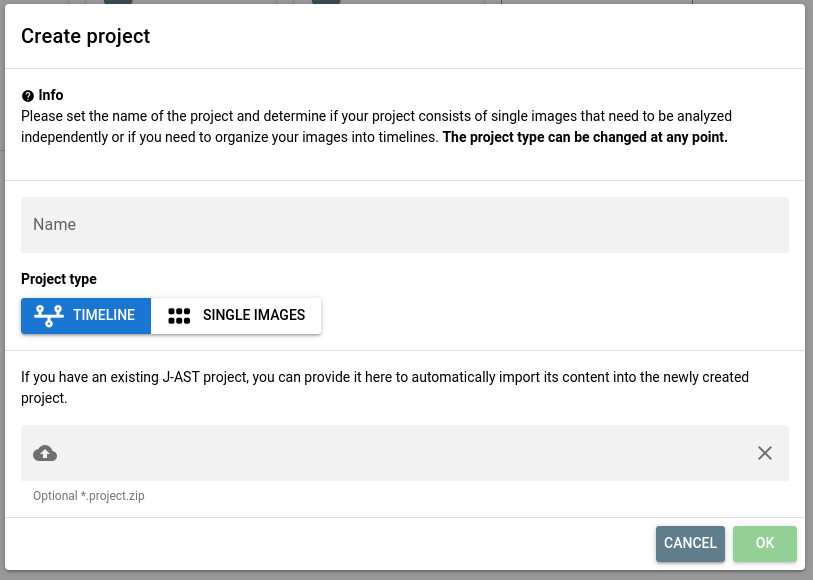
Click to create the new project.
02 December 2025