Finding the plate
One of the first steps in the analysis of AST image is the definition of the plate area. J-AST provides both automated and manual methods to achieve this task.
Automated plate detection
The automated plate detection can be started by selecting the image(s) and navigating to . The algorithm allows you to setup the following parameters:
- Use fast algorithm
Runs a faster alternative algorithm that works well if the contrast between plate and background is very high.
- Calibrate afterwards
After plate detection, calibrate the pixel size based on the known plate diameter.
- Calibration: Plate diameter (mm)
Only used if is active. The physical diameter of the plate in millimeters.
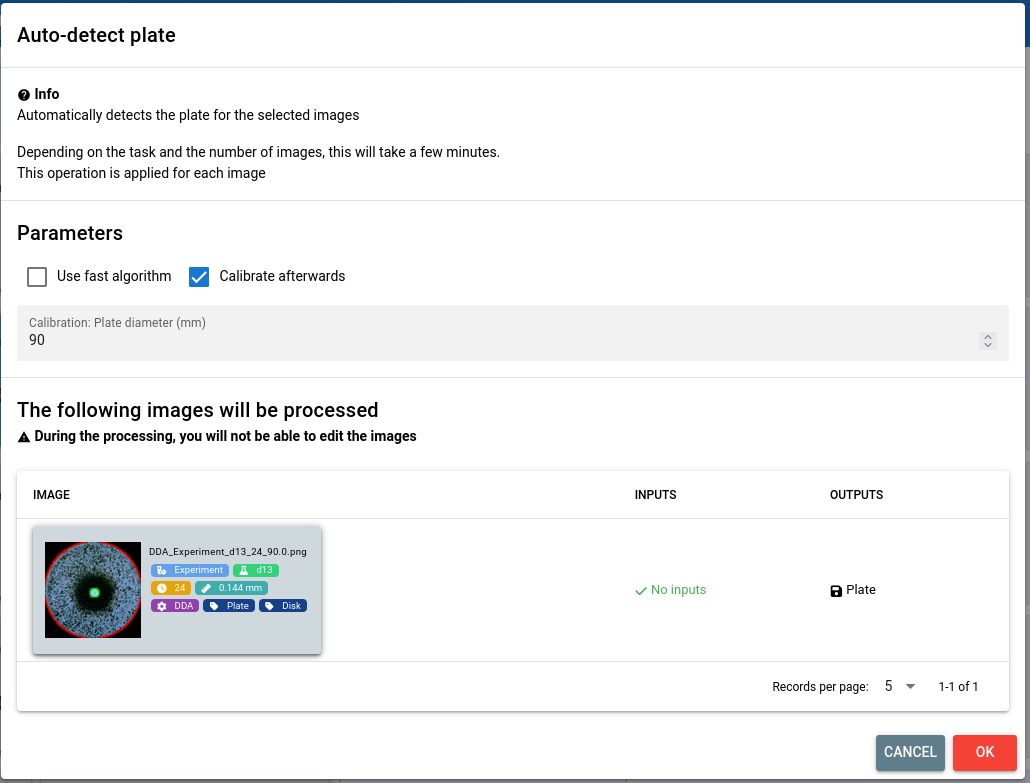
You will be presented with a preview of all images that will be processed. Click to start the plate detection.
Manual plate detection
If the algorithms do not produce the expected results or if you prefer to do a manual annotation, you can use our interactive tool. To open it, select the image and click the Edit button for the plate annotation on the right-hand side.
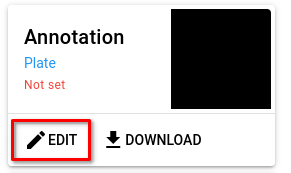
To lean more about the interactive editor, follow our guide.